What’s New: Collect multimodal data in the UI, track longitudinal retention live, and more

From collecting images, video and audio directly in the platform, to tracking multi-wave study retention in real time, this month's updates give you more control over your data collection, your participants, and your organisation. Scroll through to see what's new.
Collect multimodal data from participants without API integration
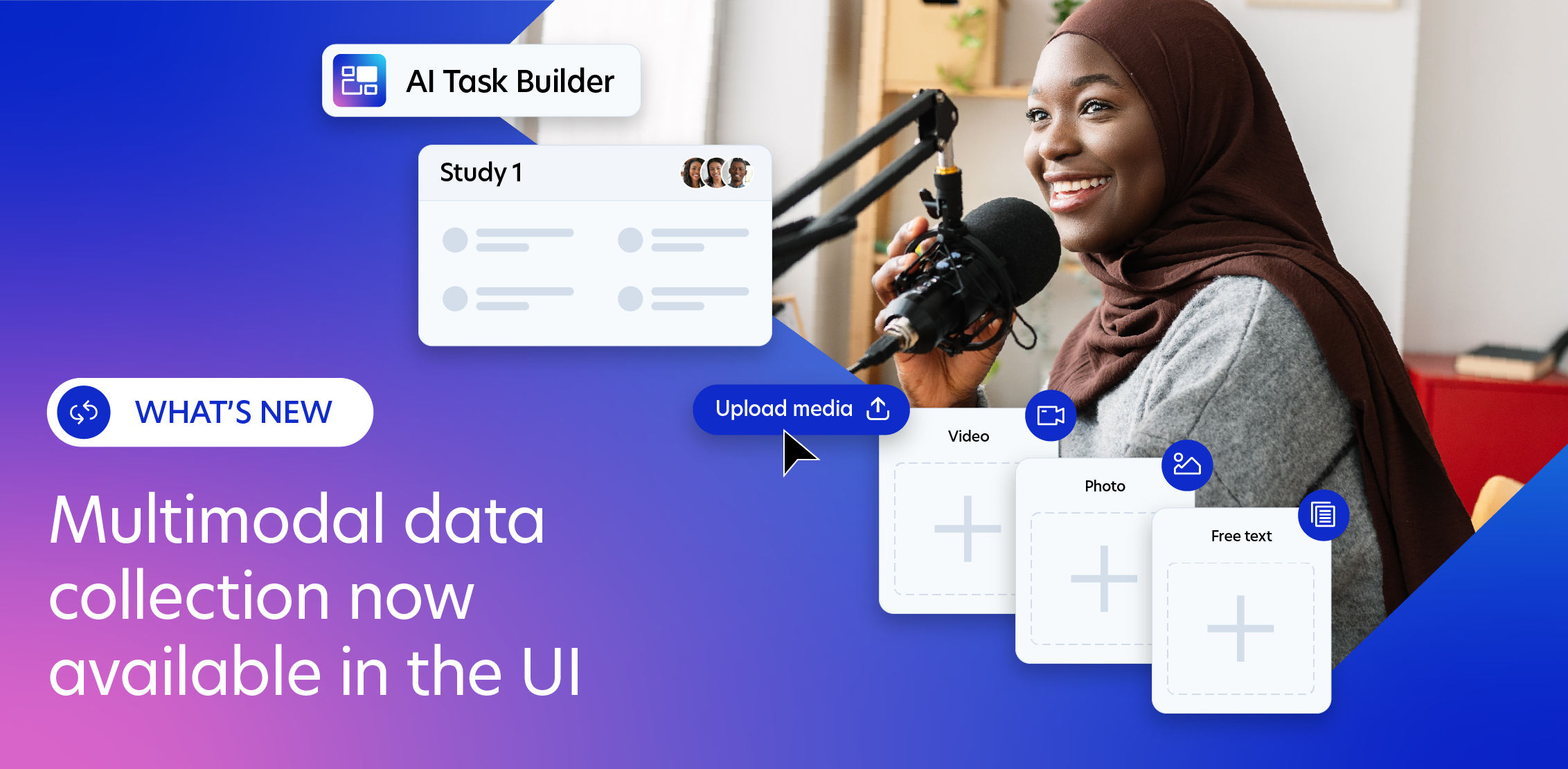
In the last edition, we announced the launch of multimodal data collection in AI Task Builder, available in the CLI and API. Now the feature is available in the researcher UI, so every team can collect images, audio and video from participants in a single workflow.
Whether your team works programmatically or entirely through the app, you can now collect multimodal submission, annotate, run QA and download results all from one platform, however you choose to integrate.
How teams use the feature:
- AI training data: Build image annotation datasets, collect egocentric video, or gather speech samples to precise demographic and linguistic specifications
- Behavioural research: Capture what participants see, hear or do, not just what they report. Record screen interactions during a task, collect photos of real-world environments, or ask participants to film themselves completing a physical activity
- Model evaluation: Run structured human evaluation of AI-generated images, audio or video at scale, with verified specialist panels who score outputs against defined criteria
- Voice and language datasets: Collect spoken responses across specific accents, dialects or languages, with demographic controls you can't get from synthetic data or stock recordings
Get started in AI Task Builder.
Track participant retention across longitudinal studies live, and adjust as you go
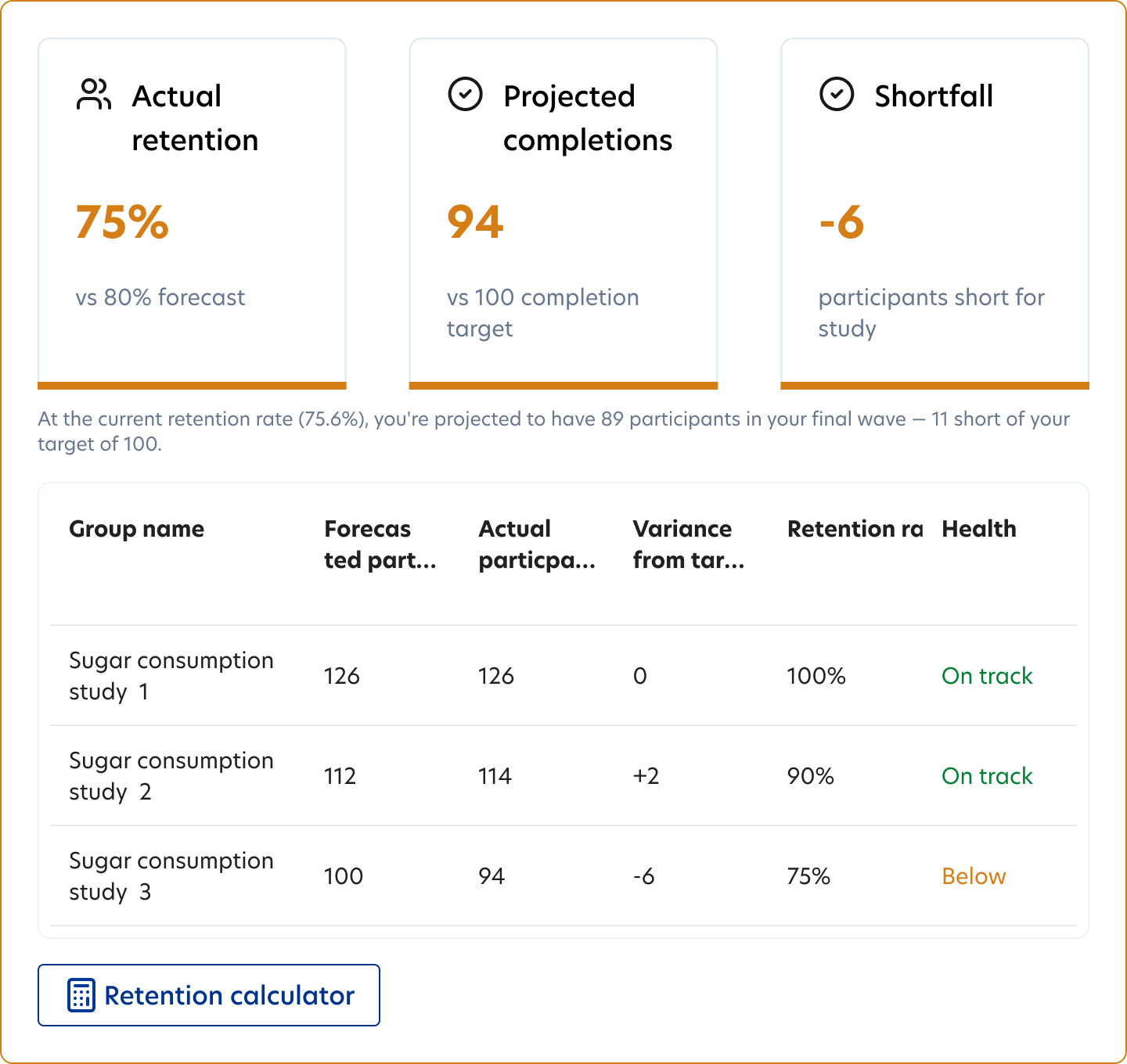
Last month we launched longitudinal projects to make multi-wave studies easier to run: set up studies once and participants progress through automatically in the right order, forecast retention and costs before going live, and participants will have full visibility of the study schedule so they know what they’re committing to and are more likely to complete all waves.
As of this month, you can also monitor participant attrition and boost uptake as your project runs.
Once your longitudinal project is live, you can now compare your retention forecast against your actual data wave by wave, and adjust subsequent studies in response. For example, if intake in wave 1 was higher than expected, you can reduce places in later waves to keep your budget on track. If retention is lower, you can send reminders to participants or increase places in earlier waves to recover your target sample.
To get started, head to the Prolific app, create a project, and select “Longitudinal project”. Or, learn more about setting up your first longitudinal project. Available now in the UI and coming soon to API.
Keep participant groups fresh and ready to run
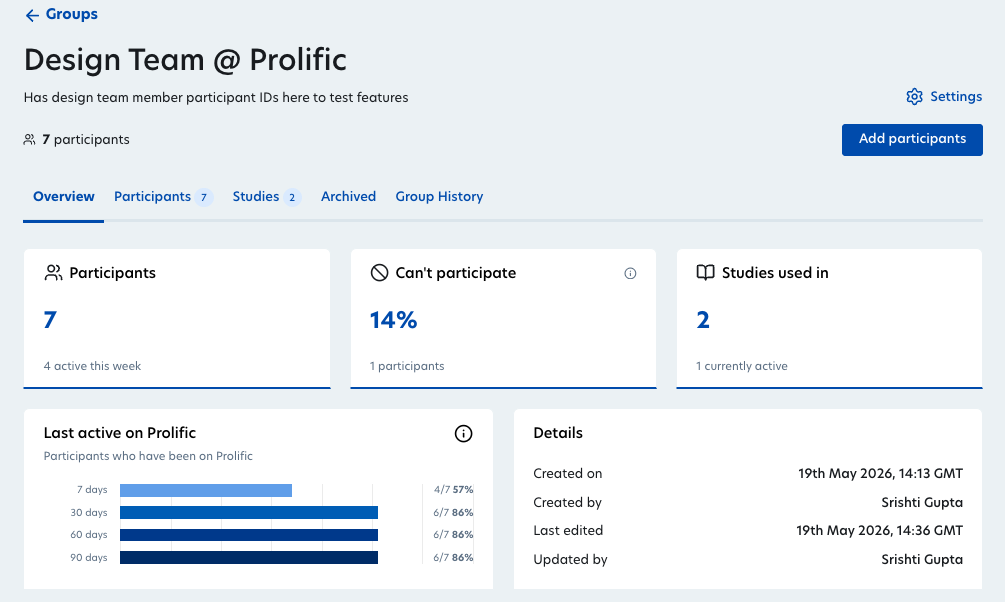
If you run repeat research, ongoing evaluations or longitudinal studies, participant groups are essential for staying in touch with the same participants over time. But to keep groups accurate, you need to know who's still active, who's drifted out of eligibility and where each group has been used. These updates are now available in the UI with API support coming soon.
Better management for large groups
If you manage large groups, you can now paste a list of IDs directly into the group table to find them in bulk. You can also download a filtered list of participant IDs as a CSV, which makes it easier to hand off to your team, cross-reference with external tools or manage records outside the platform.
Track changes with timestamps
Every change made to a participant group is now logged in a new History tab, which includes timestamped additions, removals and edits to group details. So if a group looks different from how you left it, the changes are now visible in the app.
Archive participants who you may want to add back later
You can now archive participants within a group rather than permanently remove, then when needed you can restore them or delete them permanently. This gives you a cleaner way to manage group membership without losing that all-important historical context.
Head to the Participants tab in Prolific to explore these updates
Network growth where demand is highest
Our active network has grown to over 350,000 90-day active participants this month, a 20% increase from the start of May. Here's where that growth is happening and why it matters for your research.
Language specialists grow by 19%
Our verified language experts cover 60+ languages and are recruited to native or near-native standards. They’re assessed through C1 language fluency and B2 English, with standout increases in German (1180+), Mandarin (850+), Dutch (820+) and Japanese (665+) as well as newer languages such as Tamil (192).
Global reach expands at pace
Our biggest markets continue to grow:
- United States: Up by 24% with over 134,000 participants
- United Kingdom: Up by 30% with over 58,000 participants
- Mexico: Up by 44% with over 5,000 participants
- Spain: Up by 32% this month, with over over 6,500 participants
- Canada: Up by 26% with over 16,900 participants
Verified Experts up 17%
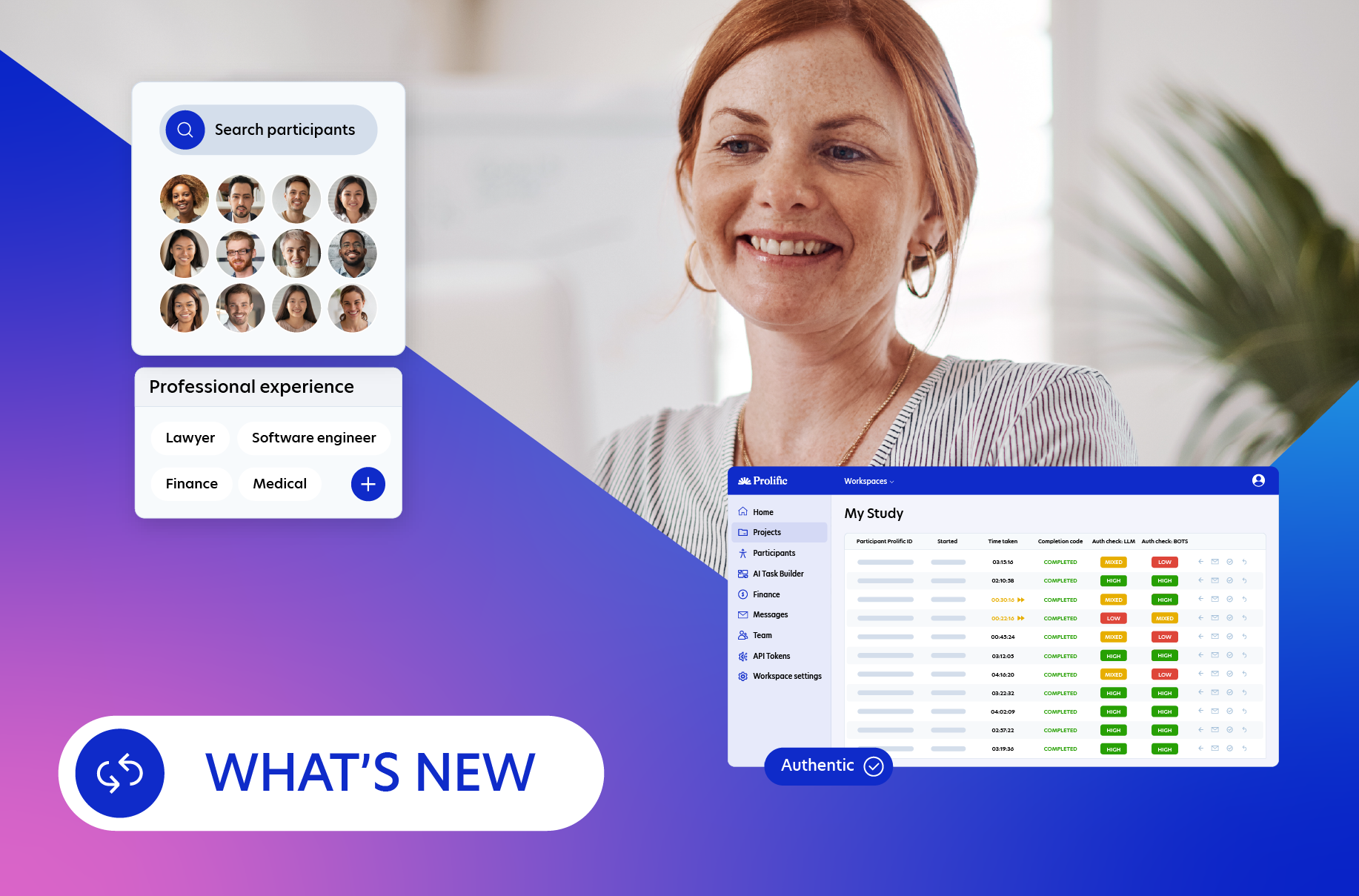
This includes Experts across specialisms such as Medicine, Finance and Legal. If you need professionals from a specific field, find them in-app under Participants > Add screeners > Domain Experts. To find them under the API, take a look here.
Need to check if your target audience is on Prolific? Use our Audience Finder.
Quality of life updates this month
- Prolific MCP server: If your team runs automated evaluation workflows, our updated MCP server lets you integrate your workflow directly into Prolific to launch studies, collect responses and return structured results. View the MCP server on GitHub
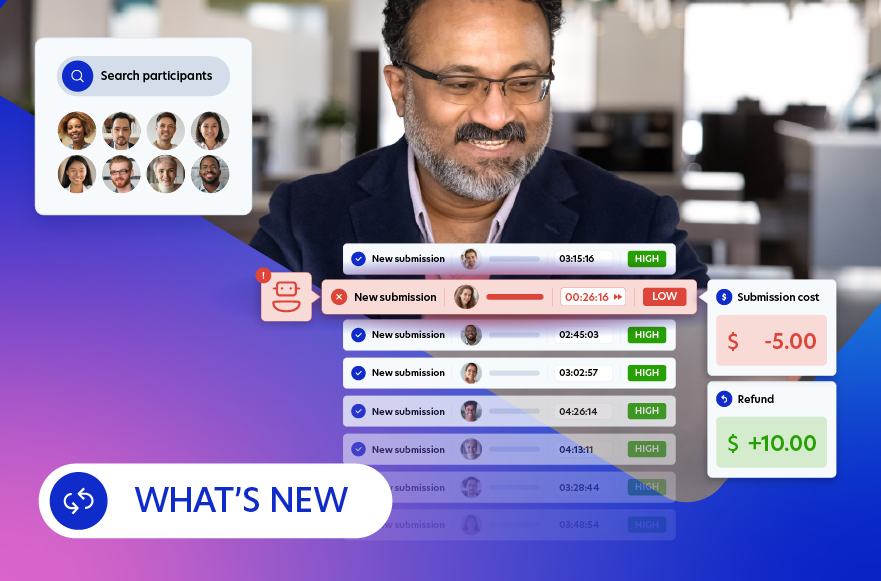
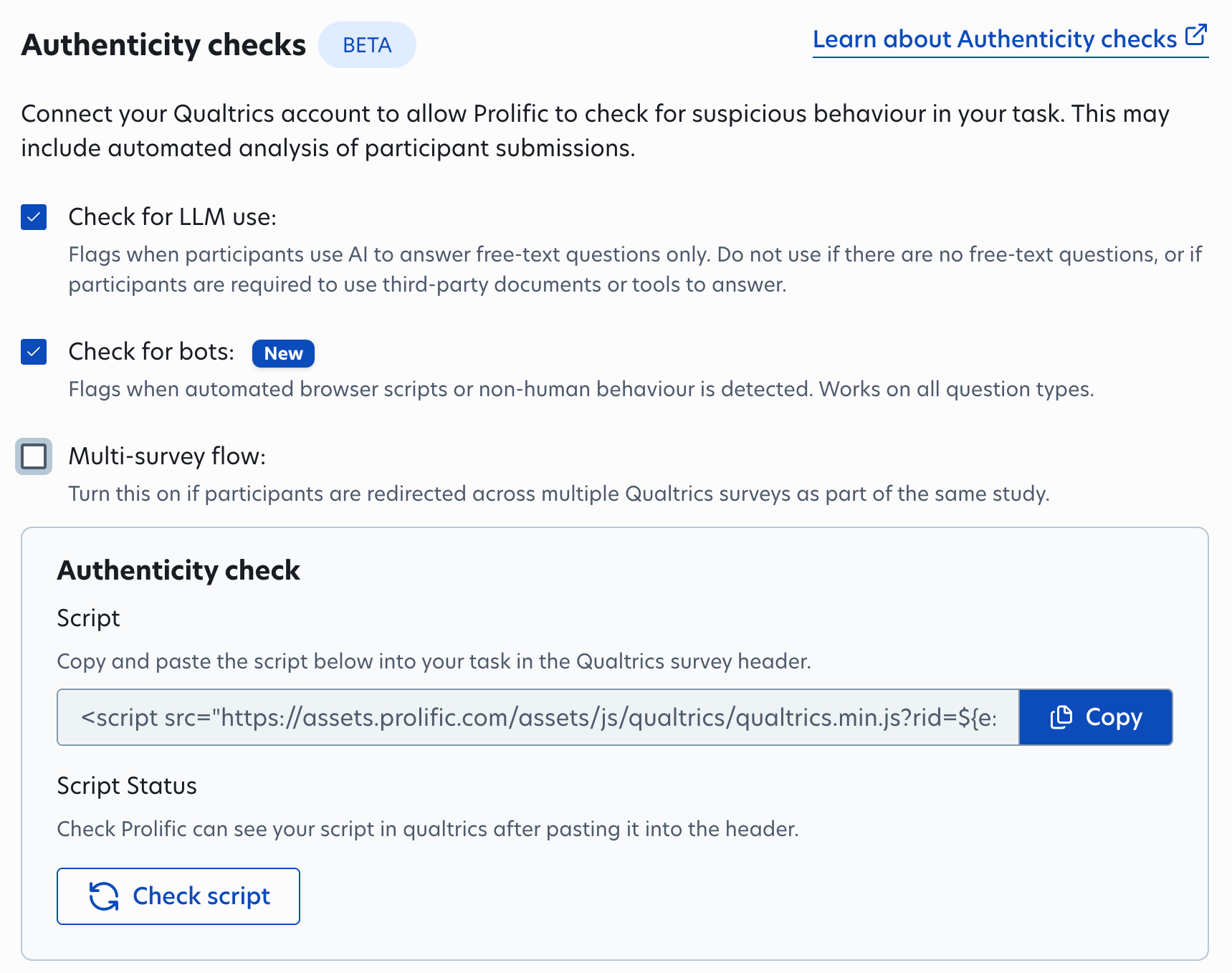
- Authenticity checks now track bots and AI misuse across Qualtrics surveys with multiple redirects. Prolific's authenticity checks detect when participants use LLMs, or when studies are being completed by AI bots rather than humans. If you’re redirecting participants through multiple questionnaires due to consent forms or randomization, also select “Multi-survey flow” when enabling authenticity checks. This ensures the checks will continue to work as participants progress through.
Meet the team in person
We’re heading to London Tech Week
Find us at stand 132, we’d love to hear about your upcoming AI projects! You can also join our free masterclass, From Question to Data in Minutes: Live Human Feedback for AI on June 10 at 3:00pm. We’ll be showing live how to get real human feedback for AI model training and evaluation.
Discover our research at ICML
A paper by Prolific's Nora Petrova and John Burden has been accepted as a spotlight at ICML, one of machine learning's most competitive venues. Testing 24 AI models across 904 alignment scenarios, they found that even the best models have gaps, and that model behaviour can be explained by a single underlying factor.
Say hello at the AI Engineer World’s Fair!
We're sponsoring AI Engineer World's Fair 2026 29 June – 2 July in San Francisco , the world's biggest technical AI conference. Find us at Booth S7, drop your hot take on AI and watch a live research study with results in minutes. Stop by to meet Viviana Márquez (AI Community Lead), Matt Lincoln (Senior Software Engineer) and Zoe Zhou (Market Development Representative)!
Request to join our AI In The Loop Dinner
We're hosting an exclusive dinner for Human Data Experts in AI in NYC on 18 June. This is an intimate, curated evening for leaders working at the intersection of human data and AI. Expect meaningful discussions, great food and a room full of people who get it.
Spots are limited, request to join here.
That’s all for our June update! See you next month.
The Prolific team