We’ve spent years building the infrastructure to verify our participants are human
That's why we're backing our participant verification with this guarantee.
How the 100% Human Guarantee works
Every qualifying study is automatically covered by the 100% Human Guarantee. Here’s how to qualify.
Learn more about the 100% Human Guarantee
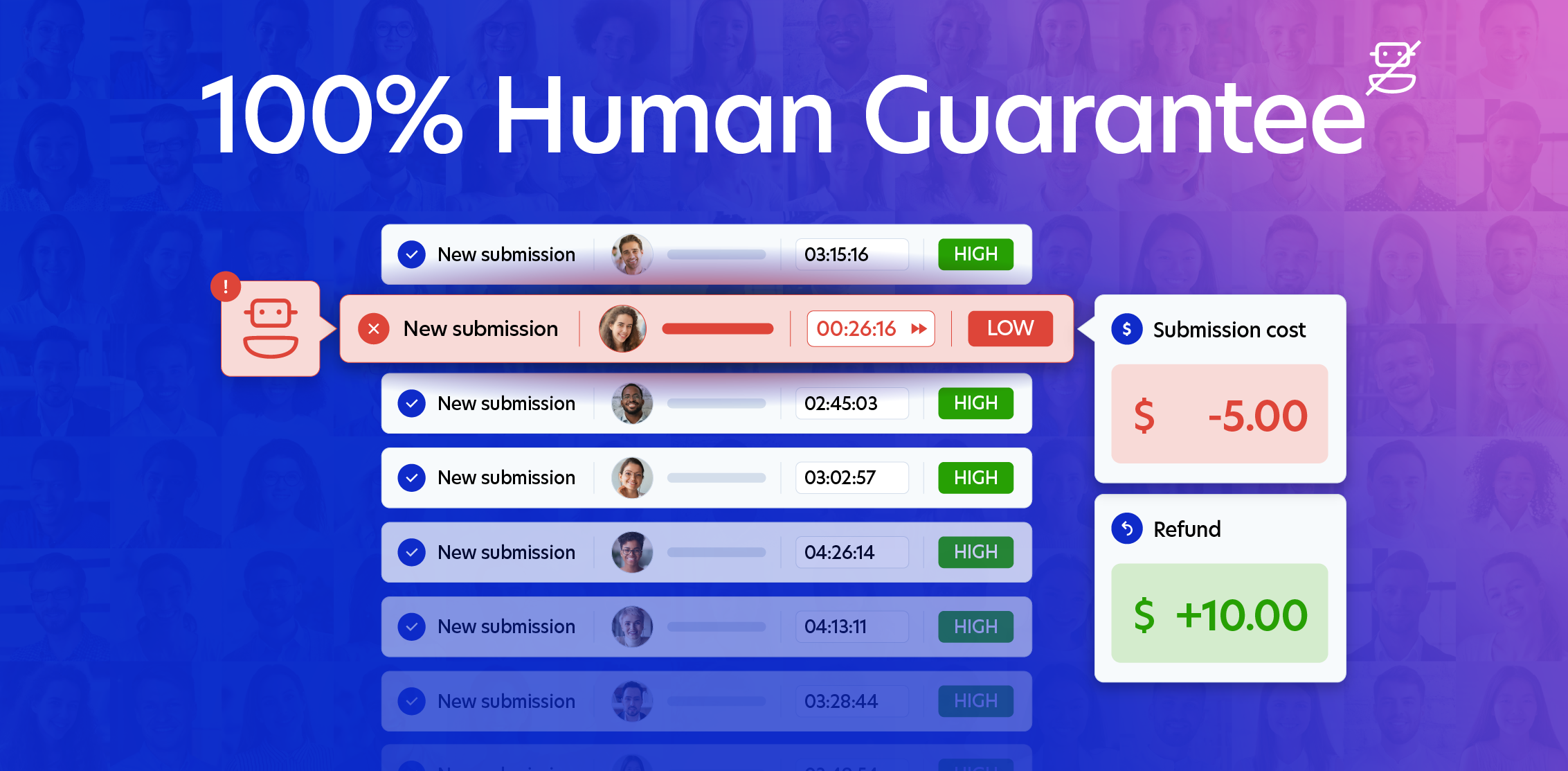
If one or more participants are flagged as “low authenticity” in your qualifying study, we will automatically add credits to the same workspace that published the study within 21 days of the participant completing the submission.
Credits issued under the guarantee can only be used on future Prolific studies and are non-transferable for cash or withdrawal.
Only studies with Bot authenticity checks enabled are accepted, as they are the most reliable and validated method for detecting AI agents on Prolific. In our testing, other methods don’t meet the same standards of accuracy and unfairly flag human participants.
We also do not accept Prolific’s LLM authenticity checks as part of this guarantee, as they were not designed to detect AI agents specifically. Learn more about Prolific's authenticity checks.
At this time, Bot authenticity checks only work on studies using Qualtrics, LimeSurvey or Pavlovia. In future we hope to expand Bot authenticity checks to other platforms, but for now the guarantee will only apply to studies using this combination of tools.
Every study that uses the following set up will automatically qualify for the 100% Human Guarantee:
- To run your study, you must use Prolific together with Qualtrics, LimeSurvey, or Pavlovia.
- Prolific’s Bot authenticity checks must be enabled (find out how).
- Set your study live and start collecting participant responses. A new Bot authenticity check column will show you AI detection results.
Read the full Terms and Conditions.
Please read our handy help center article. Our friendly support team are also on hand to help if you need anything. Contact them through the chatbot in the bottom right corner of the help center.
Read our Terms and Conditions here.